Your sales team tracks orders in one spreadsheet. Your accountant works in another system. Your warehouse sends stock updates through messages.
Each team may be doing its job, but getting a clear picture of the business takes too much time.
As your company grows, these gaps can lead to repeated work, delayed invoices, and conflicting reports. This is where an integrated enterprise resource planning system, or ERP, can help.
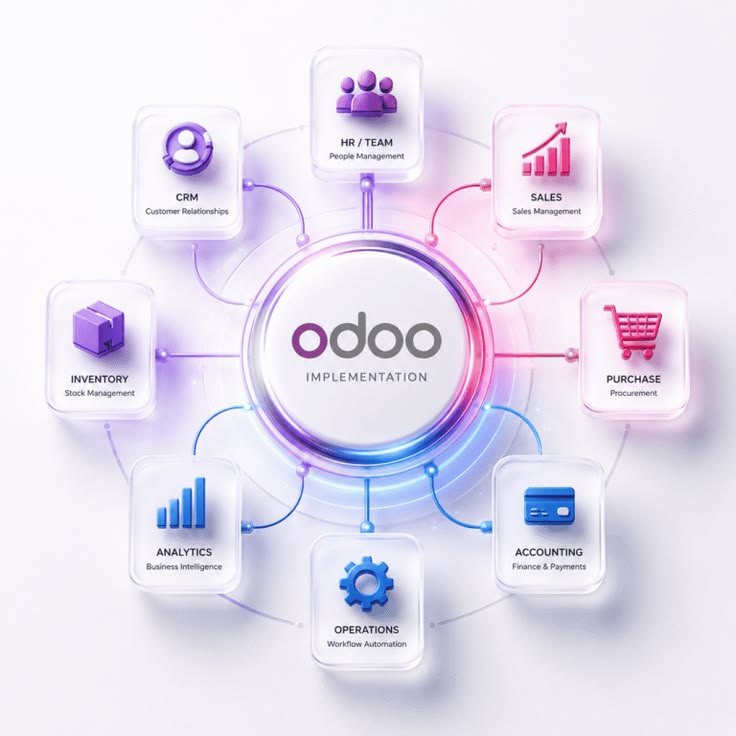
Odoo brings business applications together, allowing companies to connect functions such as sales, accounting, inventory, purchasing, and project management.
Five Signs Your Business Needs a More Connected System
1. Your Team Enters the Same Information Several Times
If a customer’s details or order information must be copied between different files, your team spends time repeating work. Each additional entry also creates another opportunity for mistakes.
2. Reports Take Too Long to Prepare
When management asks for a performance update, does your team spend hours collecting and comparing spreadsheets? Reporting becomes harder when departments use different records and definitions.
3. Stock Information Is Difficult to Trust
A salesperson confirms an order, only to discover that the products are unavailable. Meanwhile, purchasing orders for items that are already sitting in another warehouse.
These situations suggest that teams need a shared view of stock and demand.
4. Invoices and Follow-Ups Are Delayed
If finance does not know when an order is delivered, invoicing may be delayed. Without clear ownership and accessible records, unpaid invoices can also be overlooked.
5. Growth Creates More Administration
Adding customers, employees, or locations should not require rebuilding your reporting process every month. If growth depends on more manual coordination, it may be time to review your systems.
How Odoo Connects Everyday Work
Odoo can support a connected sales process, from quotation and confirmed order through delivery, invoicing, and payment. The exact workflow depends on the business and its configuration.
Consider a trading company receiving an order for 100 units of a product.
With the relevant applications configured, sales can record the order, warehouse staff can process delivery, and finance can prepare the related invoice. Teams work with linked records instead of recreating the transaction in separate files.
Inventory tools can also track stock movements across locations and support replenishment rules. This helps purchasing teams respond to stock requirements using information from the system.
This is an illustrative workflow, not a reported SFA client project.
Better Financial Visibility Starts with Better Records
An ERP implementation should connect operational activity with financial reporting.
Odoo Accounting includes tools for customer invoices, vendor bills, bank reconciliation, and financial reports. Reports such as aged receivables and aged payables can help finance teams review outstanding customer and supplier balances.
However, software alone does not make information reliable. A useful setup still requires appropriate account mappings, accurate opening balances, clear responsibilities, and regular review.
For example, a customer balance report will only support effective collection if invoices, payments, and adjustments are recorded correctly.
Prepare Before You Implement
A successful implementation begins with understanding how your business works.
Define the problems you want to solve.
Choose specific priorities, such as reducing repeated data entry, improving stock visibility, or speeding up invoicing.
Start with a manageable scope.
Identify the applications and workflows needed first. Additional functions can follow once the initial setup is working.
Prepare your data.
Review customer and supplier records, product lists, account codes, and opening balances. Assign responsibility for checking the information before migration.
Test real business scenarios.
Use examples your team recognizes, including partial deliveries, returns, overdue invoices, and payment differences.
Train the people who will use the system.
Employees need to understand both their daily tasks and how their actions affect other departments.
Odoo’s implementation guidance places analysis, configuration, data migration, testing, and user training within a phased delivery process.